

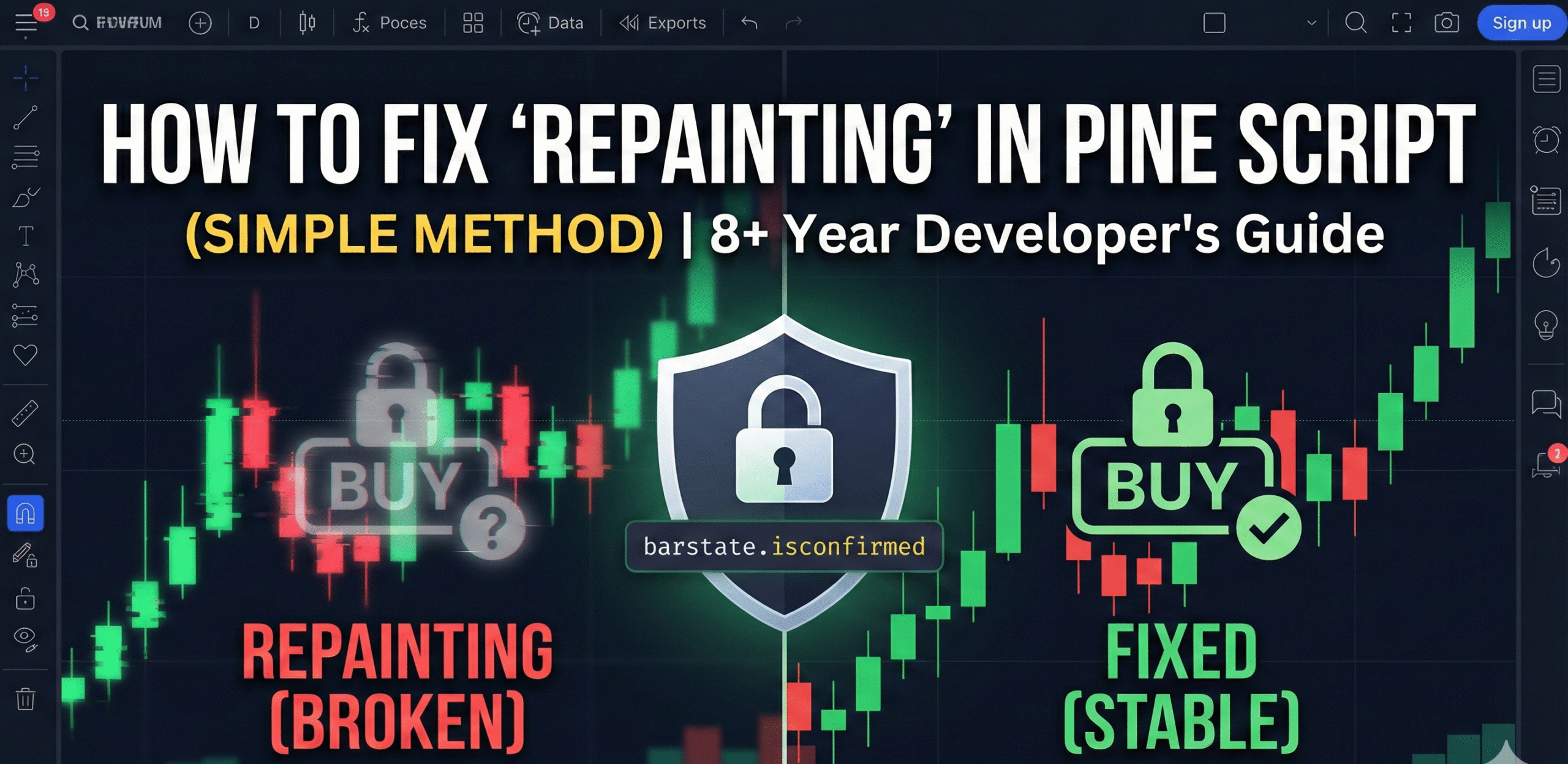
How to Fix “Repainting” in Pine Script (Simple Method)
By an 8+ year Pine Script DeveloperIf you’ve been working with Pine Script for even a few days, you’ve probably come across the most frustrating problem ever: repainting.
Nothing kills a strategy faster than seeing beautiful historical results… only to realize the indicator is lying to you.
As someone who has been building TradingView indicators and automations for 8+ years, I’ve seen repainting ruin good concepts, confuse traders, and mislead beginners. The good news? Fixing repainting is actually simple—once you understand how it happens.
In this post, I’ll break down the simplest method to stop repainting forever.
🎯 What is Repainting (in Simple Words)?
Repainting happens when an indicator changes past signals based on future candles.
This is 100% unacceptable for backtesting or live trading.
🔥 Why Indicators Repaint
There are four common reasons:
- Using the close of the current bar before it closes.
- Using functions that look into the future (like
security()with incorrect parameters). - Using
offsetvalues incorrectly. - Using real-time data without locking the bar.
✔️ The Simplest Fix: Use barstate.isconfirmed
Almost 70% of repainting issues disappear if you only allow signals after the candle closes.
Example:
if barstate.isconfirmed
    // your signal here
This ensures your code executes only when the bar is fully closed—meaning no future movement can affect your past signals.
✔️ Second Fix: Use calc_on_every_tick=false (Pine v5)
In strategies, use this parameter to force calculation only on close:
strategy("My Strategy", overlay=true, calc_on_every_tick=false)This makes TradingView calculate your strategy only on bar close, removing tick-by-tick repainting.
✔️ Third Fix: Correct Use of security()
Repainting often occurs due to multi-timeframe analysis. Always write:
security(syminfo.tickerid, "15", source, lookahead=barmerge.lookahead_on)Note: Ensure your logic does not peek at future data when using lookahead parameters.
✔️ Fourth Fix: No Future Leak
Avoid using values like:
close[ -1 ] // illegal future barAvoid functions that implicitly look ahead.
✔️ Fifth Fix: Use ta.barssince() Smartly
For signals like crossovers, always confirm the bar:
longSignal = ta.crossover(fast, slow) and barstate.isconfirmed📌 Simple Example of a Non-Repainting Buy/Sell Indicator
Here is a complete script you can copy:
//@version=5
indicator("Non Repainting MA Crossover", overlay=true)

fast = ta.sma(close, 9)
slow = ta.sma(close, 21)

// The Magic Condition
crossoverSignal = ta.crossover(fast, slow) and barstate.isconfirmed
crossunderSignal = ta.crossunder(fast, slow) and barstate.isconfirmed

plot(fast, color=color.green)
plot(slow, color=color.red)

plotshape(crossoverSignal, title="Buy", style=shape.labelup, text="Buy", color=color.green)
plotshape(crossunderSignal, title="Sell", style=shape.labeldown, text="Sell", color=color.red)
This indicator will never repaint because:
- ✔️ All signals happen on confirmed bars
- ✔️ No future tick data
- ✔️ No lookahead issues
💡 Pro Tip from Experience (8 Years Building Indicators)
Most developers try to “fix repainting” by adding random conditions… but the real fix is simple:
Lock the logic to bar close and prevent all future leaks.
If your logic doesn’t depend on future candles, your indicator cannot repaint.
Summary
Repainting is one of the biggest silent killers of any TradingView strategy. But once you understand the core cause and apply simple rules like:
- Using
barstate.isconfirmed - Avoiding future leaks
- Correct MTF logic
- Avoiding tick-by-tick recalculation
…your scripts become stable, accurate, and reliable.
Need Professional Pine Script Help?
As an 8-year Pine Script developer, I’ve fixed hundreds of repainting indicators for clients. This simple method works every single time — whether it’s a small crossover system or a complex Smart Money Concept indicator.
I’ve also worked closely with Jayadev Rana, India’s #1 Pine Script developer, who has completed 1,700+ projects and is known for clean, non-repainting, professional code.
If you want A-level Pine Script development or automation support, you can check out his official website:
Visit Jayadev Rana Official WebsiteTogether, we’ve helped traders transform raw ideas into non-repainting, professional-grade tools that actually perform in the real market.
